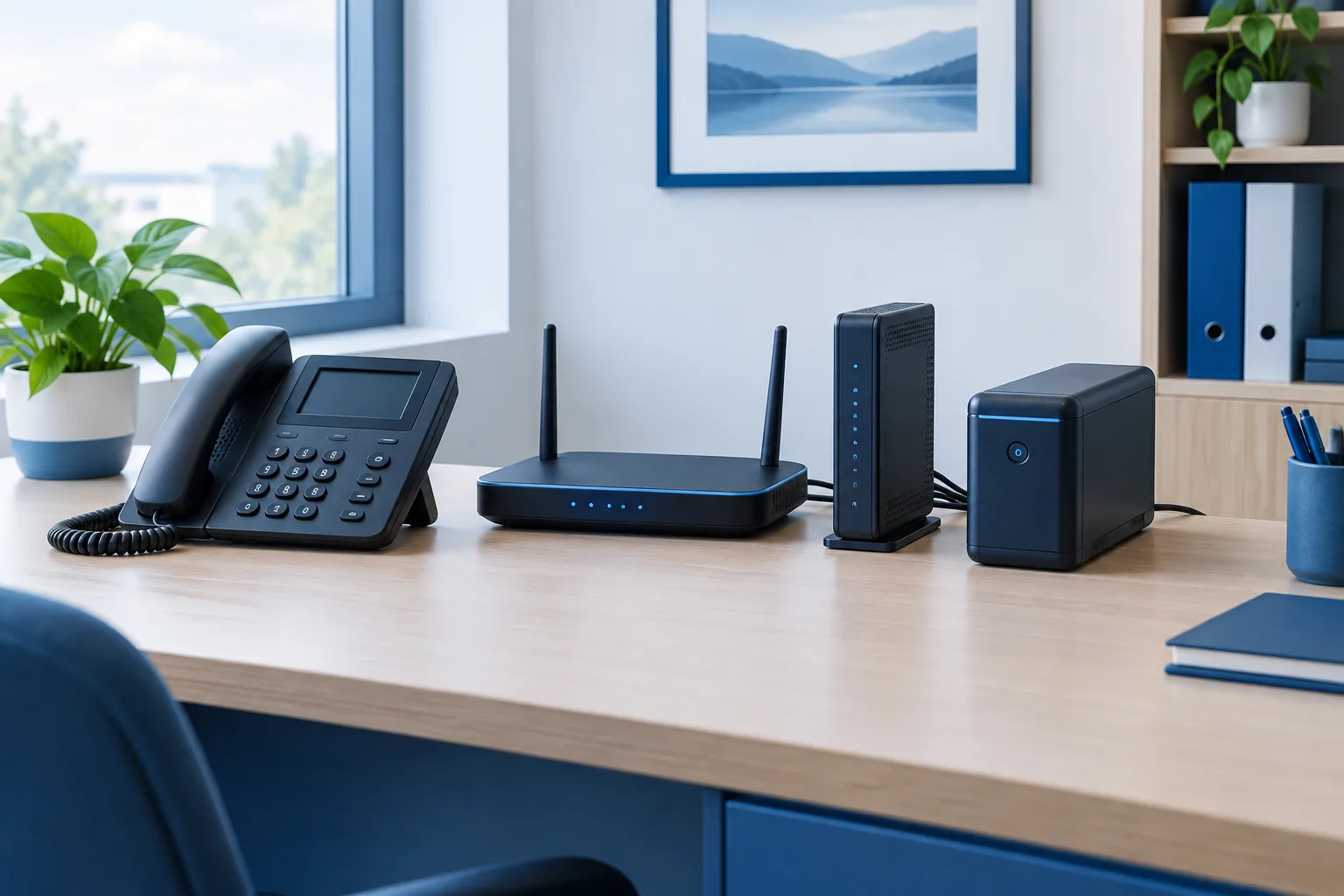
If your business uses internet-based phones, a local outage can interrupt calls even when the phones themselves appear to be working. A practical business phone service during internet outage plan accounts for two separate problems: loss of internet service and loss of electrical power. It also gives staff a clear way to route and answer calls while normal service is unavailable.
The key is to prepare before an outage. Backup internet does not replace backup power, and call forwarding may not happen automatically. Confirm what your phone provider can do, identify the equipment your system depends on, and test the backup process with your team.
Start by separating internet and power failures
An internet outage can stop cloud-based phones from connecting to your provider, even if the office still has power. A backup connection, such as a cellular hotspot or a second internet service, may help restore access if it is configured to support your phone system.
A power outage creates a different challenge. The modem, router, fiber equipment, switches, wireless access points, and phones may all need electricity. Keeping a desk phone powered will not help if the network equipment it depends on has shut down. Some phone systems may also depend on equipment hosted outside the office, so ask your provider what remains available when your location loses power.
Write down the different failure scenarios that matter to your business. Consider an internet provider interruption, a building power outage, and an outage that affects both. A continuity plan should spell out what staff should do in each situation. The Florida business planning guidance can also help you think about continuity beyond phone service.
Choose how calls will reach your team
Call forwarding can be a useful fallback, but do not assume it will activate on its own. Depending on your phone system, forwarding may need to be configured in advance, activated manually, or managed by the provider. Ask which options apply to your service and what happens if your office cannot connect to the provider.
- Provider-managed call routing: Ask whether the provider can route calls to a mobile number, another office, or a designated answering destination during an outage.
- Staff mobile apps: If your phone system offers a mobile app, confirm whether it can receive business calls over cellular service when office internet is unavailable. Check that staff know how to sign in and use it.
- Alternate contact number: Decide whether to publish a temporary number or share one through your usual customer communication channels. Keep the message current and make sure someone is assigned to answer.
Agree on who can request or activate a routing change, how staff will be notified, and how the business will tell customers that normal service has returned. A clear process can reduce confusion when people are already dealing with an interruption.
If you are reviewing a phone system or planning a change, see what to check before switching to VoIP. It is easier to ask about outage handling before choosing or changing a service than to discover the limits during an interruption.
Protect the equipment that keeps calls connected
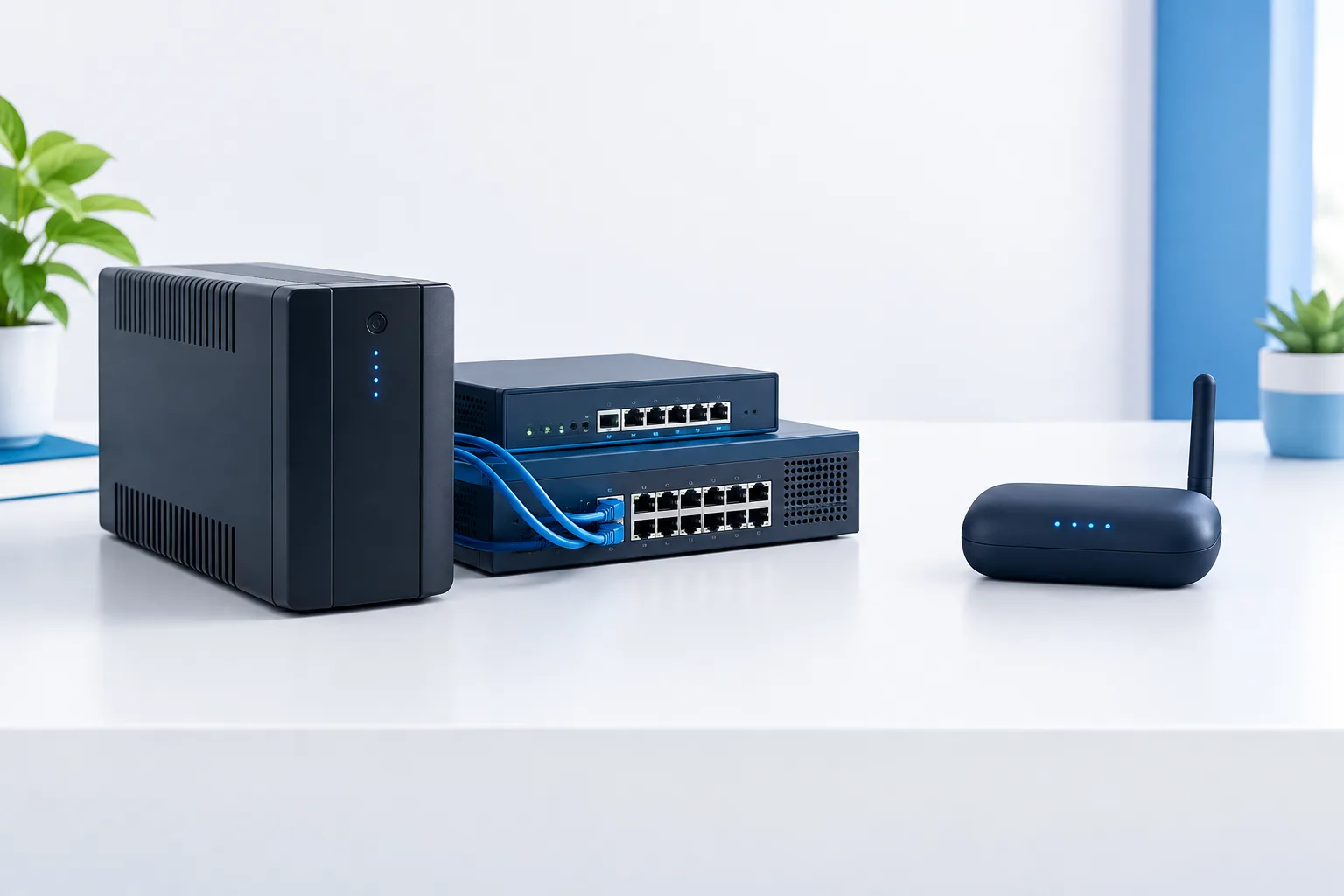
A battery backup, commonly called a UPS, can provide temporary power to connected equipment. It does not restore an internet connection that has failed, and the runtime varies with the equipment load, battery condition, and backup unit. Ask a qualified provider to help estimate the runtime your setup can support, then check it periodically.
Make a list of the devices that must remain powered for your calls to work. Depending on your setup, this may include:
- The modem or other provider-supplied connection equipment.
- A fiber ONT, if your internet service uses one.
- The router and any network switch needed to connect phones.
- Wireless access points if staff use Wi-Fi calling or wireless handsets.
- Desk phones, phone adapters, or other local phone-system equipment.
Check the connections rather than relying on a general assumption that the whole network is protected. Make sure the critical devices are connected to the battery-backed outlets, and follow the equipment makers' instructions. If you use a generator or another backup-power source, confirm that the equipment can safely use it and that staff know the relevant procedure.
Consider backup internet for office phones
A cellular hotspot or a secondary internet connection may provide another path online when the primary provider has an interruption. Whether it will keep calls working depends on the phone system, network configuration, available cellular coverage, and the number of people using the connection. Ask your phone and internet providers to confirm what is compatible and how switching to the backup connection will happen.
Do not treat a backup connection as an automatic solution. Decide whether failover is automatic or requires a staff member to act. Confirm which devices need to connect to the backup network and whether your call-routing setup still works when they do. A test can reveal gaps that are not obvious from a service description.
Include emergency calling in the plan
Internet-based phone service may have limitations during power or connectivity disruptions. Ask your provider how emergency calling is affected, how your service location is recorded, and what staff should use if the usual phone service is unavailable. Keep an alternative way to contact emergency services accessible, and make sure employees understand the procedure.
Providers' terms can differ. For example, CenturyLink's business VoIP agreement and 911 acknowledgement describes service-specific limitations. Review the documentation for your own provider rather than assuming another company's terms apply to your system.
Test and maintain your phone outage plan
A plan is only useful if the equipment and call routing work when needed. Set a routine to test your backup process and update it when staff, equipment, providers, or office procedures change.
- Test call routing to the alternate destination and confirm that someone can answer.
- Test backup internet with the phones and network equipment your team relies on.
- Check the UPS and confirm that the essential equipment is connected to battery-backed outlets.
- Keep provider support details, account information, and outage instructions somewhere staff can reach without office internet.
- Make sure staff know who activates the plan and how they will receive updates.
Record what happened during each test, including any step that needed a manual change. Adjust the procedure and test again after changes to your network or phone service. Broader planning for data recovery and business operations is also important; Zevonix describes its approach to continuity as covering people, processes, communications, and technology.
Frequently asked questions
How can my business keep receiving calls during an internet outage?
Arrange provider-supported call routing, use a compatible mobile app or backup connection, or direct customers to an alternate number. Confirm the method and test it before an outage.
Will VoIP phones work during a power outage?
They may stop working if the local network equipment or phones lose power. A UPS can provide temporary power to the necessary equipment, but it does not restore internet service that is also down.
How long will a UPS keep phones and internet equipment running?
Runtime depends on the UPS, battery condition, and the amount of equipment connected. Ask for an estimate based on your actual setup and check the backup periodically.
Can a cellular hotspot keep office phones online?
It may provide backup connectivity if your phone system and network are compatible and cellular service is available. Confirm how to switch over and test calls using the backup connection.
Make your next step a practical one
Start by asking your phone provider how calls can be routed during an outage and which equipment must stay powered. Then document the process and test it with your team. For help planning dependable connectivity and IT continuity in Palm Coast, Flagler Beach, Bunnell, and Flagler County, contact Zevonix at (386) 260-0777.